ACTCAD 2026: Power-Packed Release

ACTCAD 2026 Release: Faster, Smarter CAD Built on IntelliCAD 14
ACTCAD 2026 is now available, powered by the latest IntelliCAD 14 engine. This release delivers a modern interface, notable speed gains, broader file compatibility, and dozens of new drafting commands that boost everyday productivity for architects, engineers, designers, and CAD managers.
Highlights at a Glance
- Modern experience: All-new Black UI theme, several user interface improvements, detachable drawing windows, and a new transparency option for the command window.
- Performance: Improved speed and overall performance for smoother navigation, editing, and plotting.
- File & data compatibility: Support for Autodesk Revit 2025 files, SVG import, enhanced geospatial tools with Esri imagery in the GEO command, and powerful layer controls for PDF, DWF, and DGN.
- Developer power: Enhanced LISP and .NET APIs, a LISP Debugger inside Visual Studio Code, new LISP functions, and performance improvements in specific view-related .NET functions.
- Licensing & admin: Improved Network Licensing Technology so users can change the license server themselves.
What’s New in Detail
- User Interface & Productivity
- All new Black UI theme
- Improved speed and performance
- Several improvements to the user interface
- Support for detachable drawing windows
- New transparency option for the command window
- Implemented auto-fill functionality in Table editing
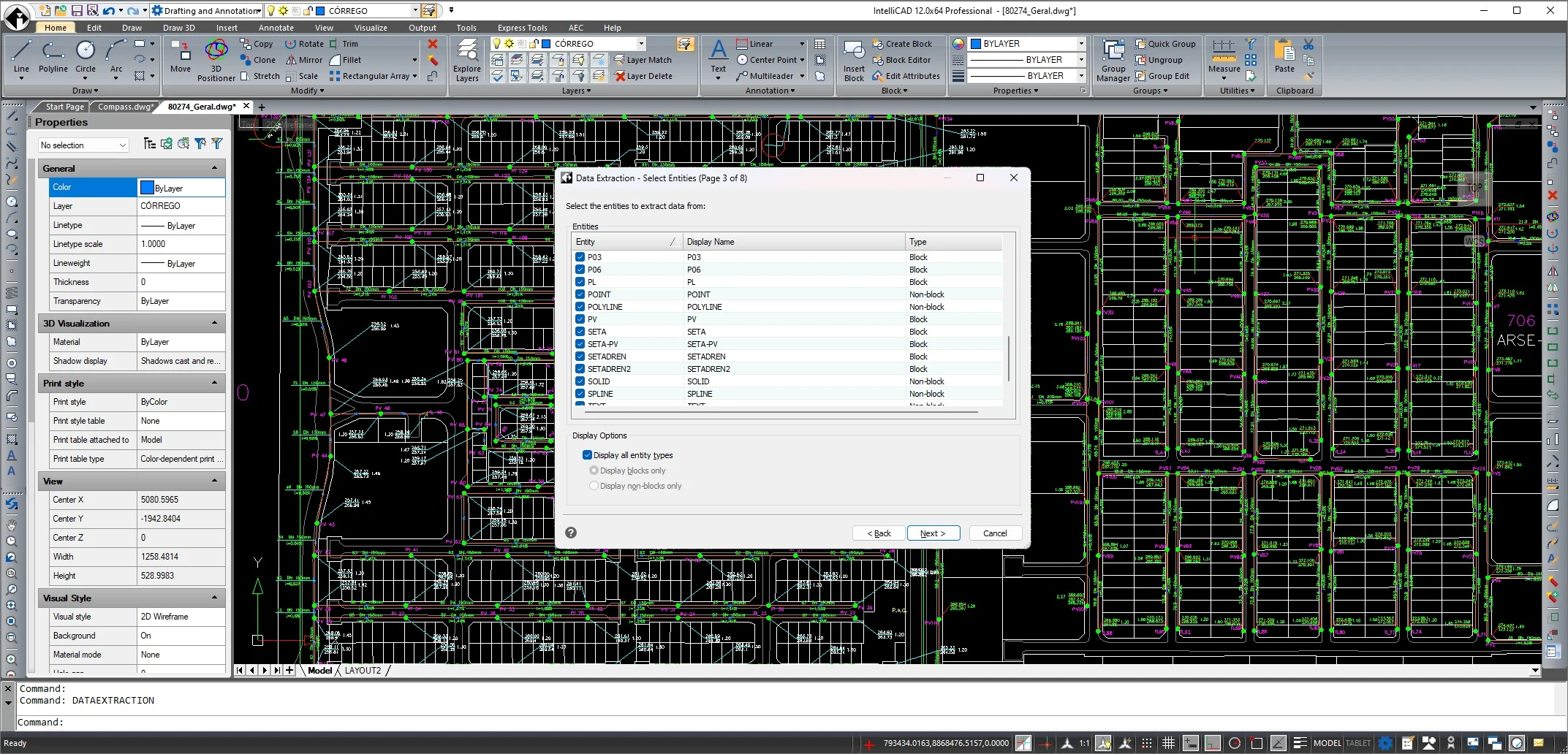
- Improved Data Extraction tool with a new filter option to refine output
- Optimized Trim and Extend functionalities
- Fixed certain issues in the ARRAYPATH command
- New & Enhanced Commands
- QRTEXT and QRLEADER
- SJOIN for smart entity joining
- POLYREVERSE to instantly reverse polyline direction
- UCLIP to unclip and restore full extents of clipped references
- PDFLAYERS to manage layers from imported PDFs
- DWFLAYERS to control layers in DWF files
- DGNLAYERS to manage layers from imported DGN files
- ULAYERS to isolate and control unused layers
- SLOPEBLOCK for creating slope representation blocks
- SLOPEAREA to calculate slope area directly from entities
- CVSPLINETOSLOPE to convert spline curves into slope profiles
- HOLECHART with associative updating
- POWERDIMENSION for advanced, precise dimensioning
- SHP2BLK to convert shapefile geometries into drawing blocks
- POINTTEXT to convert points into editable text labels
- TEXTPOINT to convert text into point objects
- TRIANGULATE to generate triangulated surfaces and meshes
- SHURL to shorten and clean URLs attached to entities
- REPURL to replace existing URLs on entities
- CHURL to change or edit URLs linked to objects
- File Formats, GIS & Raster
- Support for Autodesk Revit 2025 files
- SVG file import
- Geospatial enhancements with Esri imagery in the GEO command
- Several RASTERDRAW tools for inserting and managing images with advanced controls
- APIs, Automation & Debugging
- API enhancements for LISP and .NET
- Implemented LISP Debugger inside Visual Studio Code
- Added several new LISP functions
- Performance improved in .NET functions for specific view-related tasks
- Licensing & Administration
- Improved Network Licensing Technology, allowing users to change the license server themselves
Why Upgrade to ACTCAD 2026
- Work faster with noticeable performance gains and refined editing tools.
- Collaborate confidently with up-to-date support for Revit 2025, SVG import, and rich PDF/DWF/DGN layer controls.
- Boost accuracy using POWERDIMENSION, HOLECHART, TRIANGULATE, and slope-centric civil commands.
- Streamline data tasks with auto-fill tables, improved Data Extraction filters, and URL management (SHURL, REPURL, CHURL).
- Extend and automate workflows using the enhanced LISP and .NET APIs and the new LISP Debugger.
- Simplify IT management with improved network licensing flexibility.
FAQ
- Is ACTCAD 2026 compatible with my existing projects? Yes. It supports popular formats and adds better control over PDF, DWF, and DGN layers.
- What are the biggest time-savers? Faster performance, detachable drawing windows, optimized Trim/Extend, SJOIN, POLYREVERSE, and improved Data Extraction.
- How does it help developers and power users? Enhanced LISP and .NET APIs, new LISP functions, and a built-in LISP Debugger for Visual Studio Code.
- What’s new for civil and 3D workflows? SLOPEBLOCK, SLOPEAREA, CVSPLINETOSLOPE, TRIANGULATE, and associative HOLECHART accelerate documentation and terrain modeling.
Get Started
- Download ACTCAD 2026, open your projects, and explore the new commands listed above.
- Try the Black UI theme and command window transparency for a cleaner workspace.
- Leverage the enhanced APIs and debugger to automate repetitive tasks and enforce standards.
Download: Click here to download