
ActCAD Latest Improvements - FINDGAPS and FINDOVERLAPS
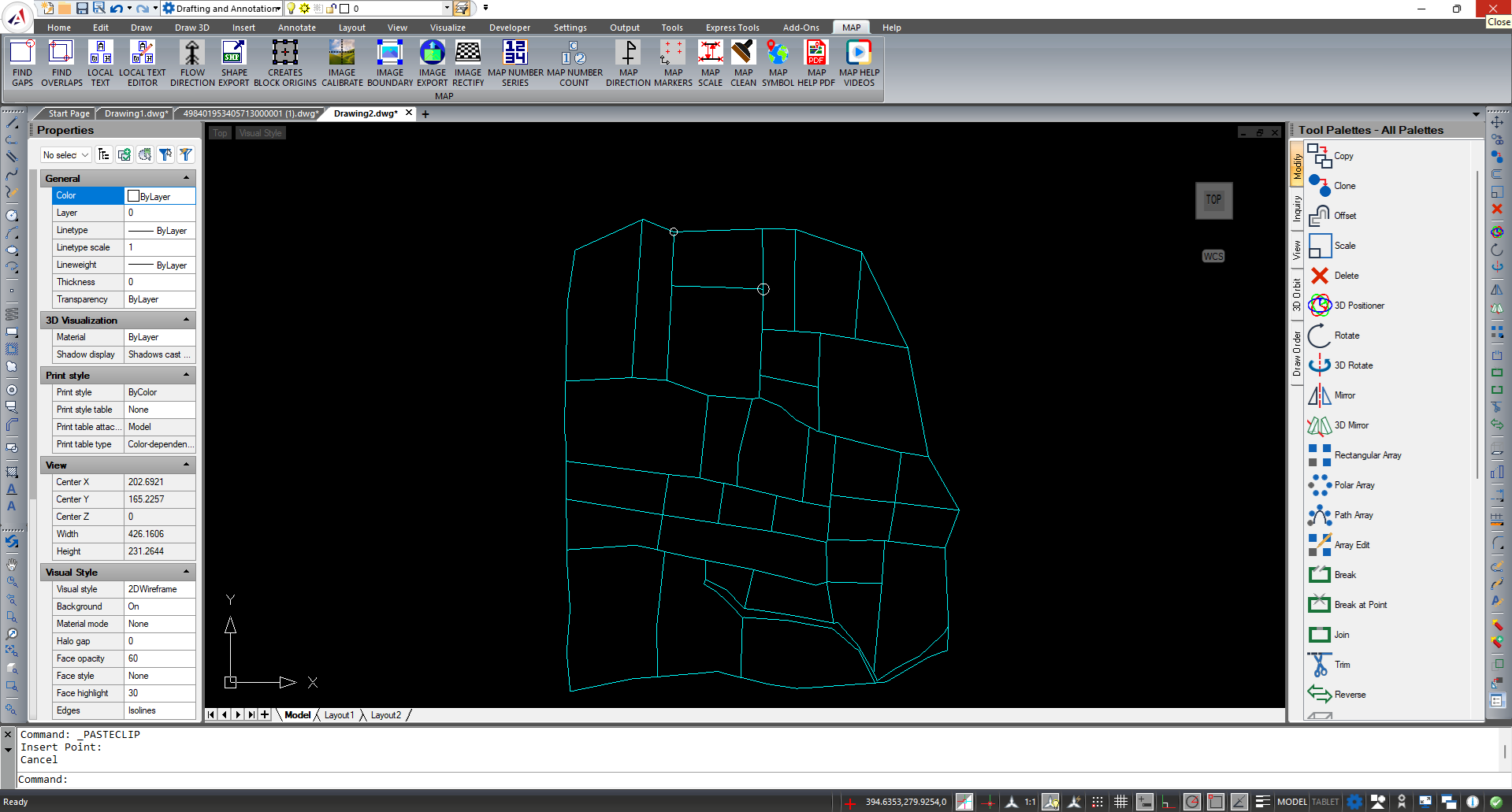
FIND GAPS:
It will identify the gaps of an entities where it is not properly closed with a circle highlighted on the gap
This feature will help to identify the gaps when providing the hatches to the closed entities.
Process:
- Click on FIND GAPS option from the Help Menu/ Type GAPSFIND in the command bar and press Enter
- Provide the gap value to identify in the drawing and press Enter
- Specify the pluff value to ignore in the gaps
- Set the size of the circle required to place the circle on the location of the gap
- Select the entities to identify the gap
Now a circle with red color is placed on the location of the gap based on provided values
FIND OVERLAPS:
It will identify the overlapping entities of a closed entity
Process:
- Click on FIND OVERLAPS option from the Help Menu/ Type OVERLAPSFIND in the command bar and press Enter
- Enter Circle radius to highlight the overlapping entities and press Enter
It will create the circle with specified size on the overlapping locations in the entire drawing.


